Choose the two inputs for this video.
Video Studio requires a reusable Face and a playable saved Voice. Duration is read from the saved metadata or directly from the audio file.
No Face selected
This is the only visual identity used by the parent Video job and its internal child renders.
No Voice selected
This saved Voice is the authoritative performance audio. Video Studio reads its real duration directly when older Saved Work metadata is incomplete.
Choose the presentation, then create.
Pricing and execution are owned by the Fusion Extension parent job. Core Fusion is used only for internal child renders.
Skip these controls for one-click creation. Auto uses the Face, Voice, script and image context to choose natural motion.
Advanced video direction
No credits are committed until you review the backend quote and choose Create.
Need more than one person? Use Multi-Person Studio.
Video preview
Ready when you are
Preview pricing first. When you confirm, the existing desifaces job orchestration runs and the result appears here.
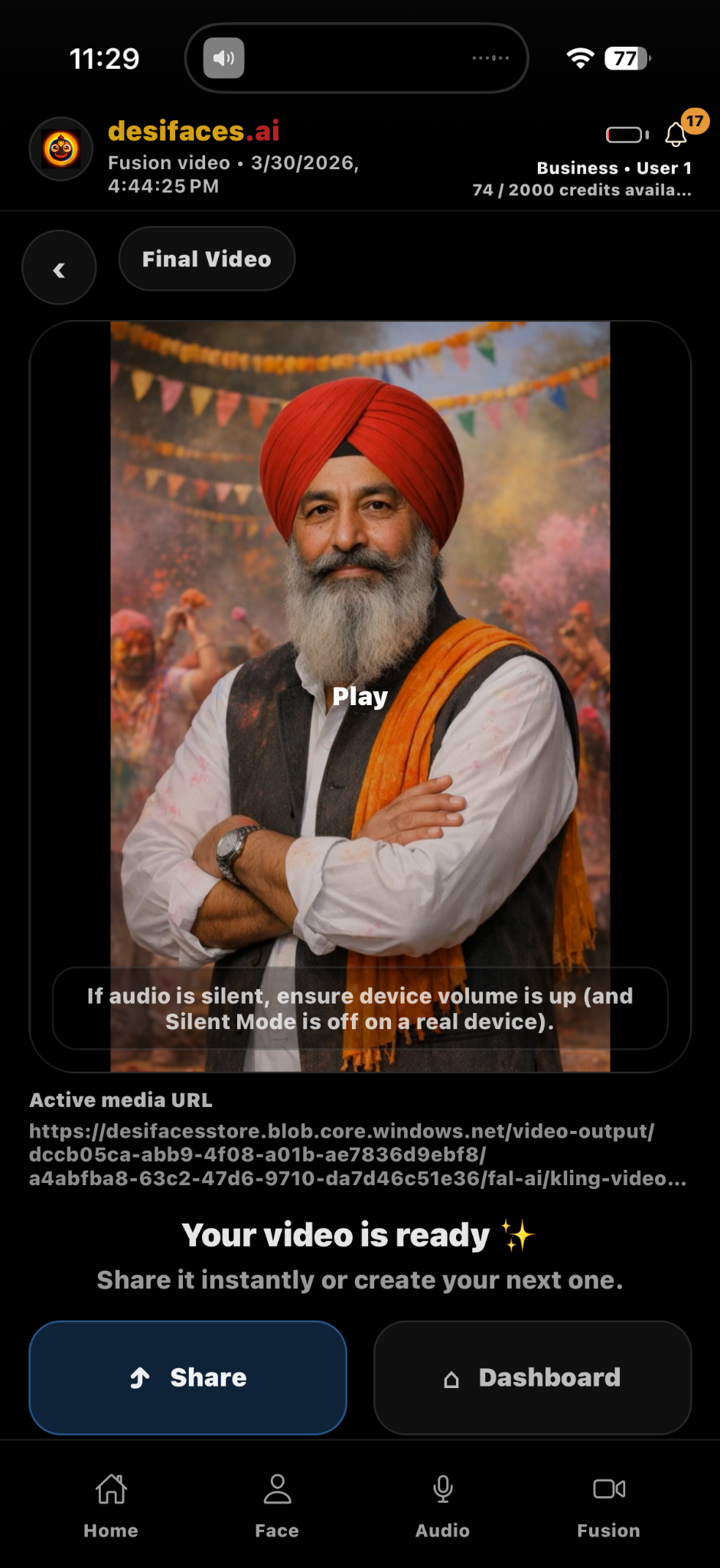
One parent job. Provider-safe segments. One final video.
Fusion Extension manages segmentation, child rendering, recovery and final stitching.